
Blog
How to Choose an Energy Saving LED Display?
Choosing an energy saving LED display is not simply a matter of selecting the lowest wattage on a product sheet. A reliable decision considers brightness, pixel pitch, cabinet design, operating hours, viewing distance, and local climate. A screen outside a busy store faces direct sunlight, dust, rain, and long daily use. Its real energy demand may differ from laboratory figures.
Dr. James Brodrick, a former U.S. Department of Energy lighting technology manager, stated, “LEDs use at least 75% less energy and last up to 25 times longer than incandescent lighting.” This principle is useful, but it should not end the investigation. Display buyers must ask how measurements were taken. Was power consumption tested at maximum brightness? Was automatic brightness control enabled? These details matter.
Look for a display with efficient LED lamps, a well-designed power supply, intelligent brightness adjustment, and transparent standby data. A front-service cabinet can also reduce maintenance time and equipment travel. Check independent test reports, warranty terms, thermal management, and supplier experience with similar installations. Ask for measured power consumption under realistic content, not only promotional claims.
There is no perfect screen.
A darker nighttime schedule may save more energy than a slightly higher efficiency rating. However, reducing brightness too aggressively can weaken readability and create a poor viewing experience. The best energy saving LED display balances visibility, durability, maintenance, and total operating cost. Careful comparison is essential, because an attractive purchase price can hide years of unnecessary electricity use.
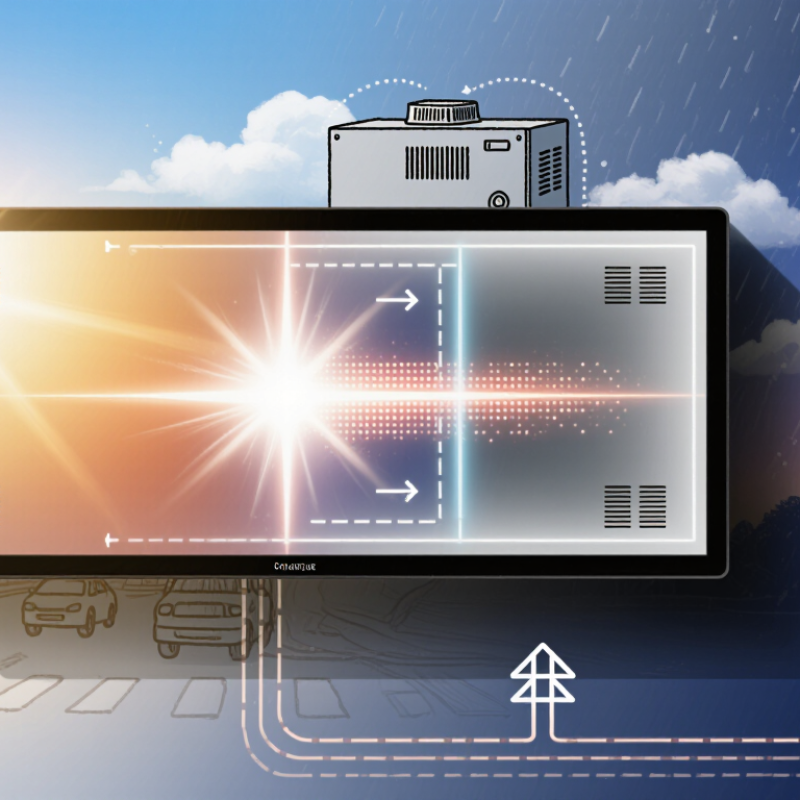
Understanding the Energy-Saving Features of LED Displays
Understanding the Energy-Saving Features of LED Displays
Energy efficiency begins with measured power, not marketing language. The International Energy Agency reports that lighting uses about 15% of global electricity. LED technology can reduce this burden, but a large display still consumes substantial power at high brightness. The U.S. Department of Energy’s Energy Savings Forecast of Solid-State Lighting estimated that efficient LED lighting could save 6.2 quadrillion British thermal units annually by 2035. That forecast concerns general lighting, not video walls, so applying it directly would be careless.
Check the display’s watts per square metre at a stated brightness level. A reliable specification should separate maximum power from typical operating power. Look for ambient-light sensors, scheduled dimming, and independent control of unused modules. Automatic brightness adjustment matters outdoors, where excessive daytime output wastes energy. A high refresh rate can also increase power demand, although the effect varies by controller and content.
Cooling design deserves attention. Efficient cabinets use airflow intelligently and avoid running fans at full speed unnecessarily. Ask for power-factor data, operating temperature limits, and test conditions. A display drawing less power may produce dimmer images, so compare brightness, viewing distance, and readability together. That is the inconvenient part. I once assumed the lowest wattage was automatically best; it was not. Measure a sample cabinet during real content, including dark scenes and full-white images. Supplier claims should be verified against independent testing, recent utility bills, and the display’s actual control settings.
How to Choose an Energy Saving LED Display? - Understanding the Energy-Saving Features of LED Displays
| Energy-Saving Dimension | What to Check | Typical Technical Data | Potential Energy Benefit | Selection Recommendation |
|---|---|---|---|---|
| Maximum Power Consumption | Review the maximum input power per square metre rather than relying only on marketing terms such as “low power.” | Outdoor LED displays commonly fall within approximately 500–1,200 W/m² at maximum white output, depending on pixel pitch, brightness, and design. | A lower maximum rating can reduce electrical infrastructure requirements and peak demand. | Compare maximum power using the same brightness, pixel pitch, and test conditions. |
| Average Operating Power | Ask for average power consumption during normal content playback, not only the maximum value. | Average consumption is often substantially below maximum consumption because video content rarely displays full white across the entire screen continuously. | This is usually the most useful figure for estimating annual electricity costs. | Use average power for operating-cost calculations and maximum power for circuit and cooling design. |
| Brightness Control | Check whether brightness can be adjusted automatically according to ambient light. | Many outdoor displays use brightness sensors and automatic dimming; typical outdoor brightness may be around 5,000–8,000 nits, while indoor displays generally require much less. | Reducing brightness when sunlight is low can lower LED current and power consumption while maintaining visibility. | Choose a display with programmable brightness schedules and a reliable ambient-light sensor. |
| LED Drive Current | Check the rated LED drive current and whether the system supports current adjustment. | Lower drive current generally reduces power and heat, but excessive reduction can affect brightness, color consistency, and image quality. | A properly configured current level can improve efficiency without unnecessarily overdriving the LEDs. | Request a measured power report at the intended brightness level, not only the nominal current value. |
| Power Supply Efficiency | Review the efficiency rating of the power supplies across the expected load range. | Switch-mode power supplies commonly achieve approximately 85%–95% efficiency, depending on load, temperature, and design. | Higher efficiency reduces conversion losses and the amount of heat that must be removed. | Prefer power supplies with documented efficiency test results at typical operating loads. |
| Content and Color Usage | Consider the proportion of white, bright colors, static graphics, and video in the planned content. | Full-white content typically demands more power than darker content because red, green, and blue subpixels are driven simultaneously at high intensity. | Dark backgrounds, moderate brightness, and scheduled screen blanking can reduce average consumption. | Create content guidelines that avoid unnecessary full-screen white backgrounds and excessive brightness. |
| Automatic Sleep and Scheduling | Check for timed shutdown, sleep mode, and remote power management. | A display operated 12 hours per day has approximately 50% fewer operating hours than one operated continuously, before standby power is considered. | Turning the screen off during unoccupied periods can produce direct, measurable savings. | Use an automatic schedule that matches building occupancy, advertising hours, or event times. |
| Thermal Management | Evaluate ventilation, heat dissipation, operating temperature, and whether air-conditioning is required. | LED efficiency and component reliability generally decline as operating temperature rises; passive cooling can avoid fan power and reduce maintenance. | Efficient heat removal reduces thermal losses and may lower the cooling load of enclosed installations. | For indoor installations, prefer a design that can dissipate heat without dedicated air-conditioning whenever practical. |
| Operating Cost Calculation | Calculate energy use from measured average power, operating hours, and local electricity tariffs. | Estimated annual energy use = average power (kW) × operating hours per day × operating days per year. | This method provides a more realistic comparison than comparing maximum wattage alone. | Request independent or factory test data for maximum, average, standby, and sleep-mode consumption. |
Note: Power figures are indicative engineering ranges. Actual consumption depends on pixel pitch, screen size, brightness, refresh settings, displayed content, ambient temperature, operating schedule, and installation design.