Why Do You Need a Gaming Router for Optimal Performance?
In the world of online gaming, a stable connection matters. A Gaming Router ensures faster speeds and reduced lag. Without one, players may face frustrating interruptions during crucial moments. This can lead to missed opportunities and a less enjoyable experience.
Gaming requires precision. A specialized Gaming Router can prioritize gaming traffic over other internet usage. This means less buffering when streaming games or chatting with teammates. Players find that they can maintain smooth performance, even with multiple devices connected. However, not all gaming routers are created equal.
Choosing the right Gaming Router takes research. Experts recommend looking for features like Quality of Service (QoS) and multiple antennas. These features enhance connectivity and reduce interference. Yet, some gamers still overlook the benefits. Understanding the importance of a Gaming Router can transform how you play. Recognizing its role could mean the difference between victory and defeat in competitive gaming.
Understanding the Role of Routers in Online Gaming Performance
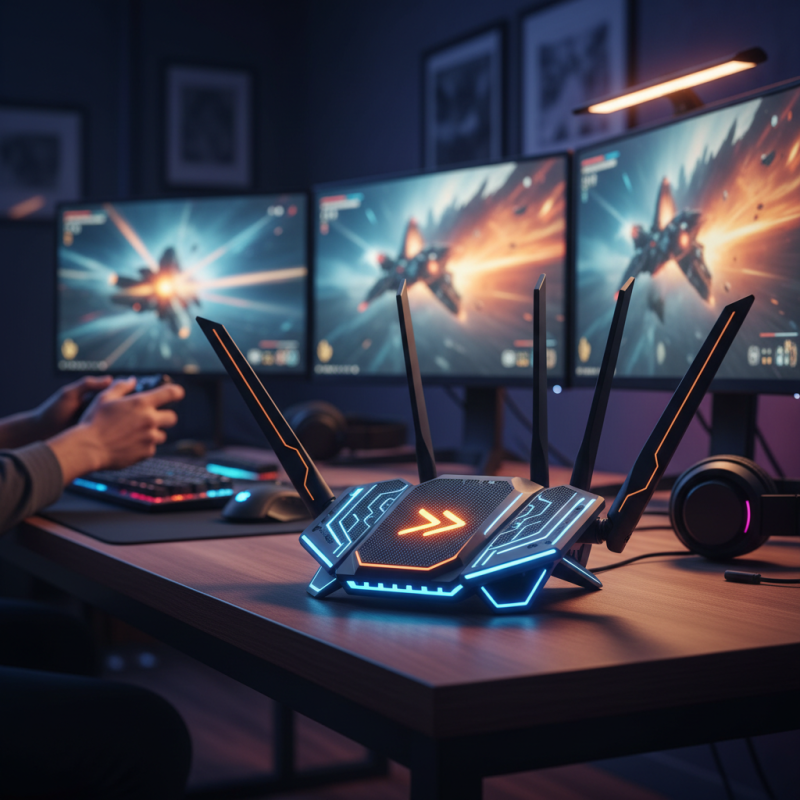
Online gaming requires a robust and reliable internet connection. Routers play a crucial role in achieving optimal performance. A gaming router is specifically designed to minimize latency, prioritize gaming traffic, and enhance overall connectivity. According to a report from the International Data Corporation (IDC), gamers experience up to 50% lower latency with quality routers.
Most routers struggle to handle multiple devices simultaneously. This can lead to lag during gaming sessions. A dedicated gaming router can alleviate some of this pressure by implementing Quality of Service (QoS) settings. These settings prioritize gaming data over other types of internet traffic. Improved prioritization means that gaming packets reach their destination faster.
Tips for better gaming performance:
- Keep your router updated with the latest firmware. Regular updates fix bugs and enhance security.
- Position your router centrally in your home to ensure maximum coverage. This can help reduce dead zones.
- Invest in wired connections where possible. Wired connections often offer more stability than wireless options.
These adjustments can lead to noticeable improvements in online gaming experiences. Reducing lag can significantly enhance competitiveness in fast-paced games.
Key Features of Gaming Routers for Enhanced Connectivity
Gaming routers are designed to optimize online gaming experiences. They come with key features that enhance connectivity. Low latency is essential for real-time responsiveness in games. Many gaming routers offer Quality of Service (QoS) settings. This prioritizes gaming traffic over other internet activities, ensuring smooth gameplay.
Another important feature is MU-MIMO technology. It allows multiple devices to connect simultaneously without slowing down the network. This is crucial for gamers who may have several devices running at once. Additionally, powerful hardware often supports faster wireless standards. This can improve overall connection stability and speed.
Security features are also vital. Gaming routers usually include advanced firewalls and security protocols. This protects gaming sessions from potential threats. However, not all gamers fully utilize these features. Many overlook regularly updating firmware, which can lead to vulnerabilities. Taking the time to understand and implement these capabilities can significantly improve gaming performance.
How Latency and Ping Times Affect Gaming Experience
Latency and ping times play a crucial role in the gaming experience. High latency can lead to frustrating delays. Gamers often experience lag when the connection isn't ideal. Data shows that a latency of over 100 milliseconds can noticeably degrade gameplay. This delay can impact reflex-based games like first-person shooters. Actions can feel unresponsive, leading to missed opportunities.
Ping times indicate how quickly your device communicates with game servers. A ping time below 20 ms is considered optimal for competitive gaming. Reports show that players with pings over 50 ms may struggle in competitive scenarios. They can experience delayed reactions and lower performance. Even small discrepancies in ping can affect outcomes in high-stakes matches.
Connection stability is equally important. Fluctuating ping can create an inconsistent experience. Players might feel like they are at a disadvantage. One survey indicated that 40% of gamers abandon a game due to poor connection quality. Investing in a gaming router can help reduce latency, stabilize connections, and enhance overall performance. By minimizing disruptions, gamers can fully immerse themselves in their chosen worlds.
Comparing Gaming Routers to Standard Routers
When comparing gaming routers to standard routers, several key differences emerge. Gaming routers are specifically designed to handle high-bandwidth activities. They prioritize gaming traffic over other types of data. This ensures a smoother gaming experience with minimal lag. Standard routers, on the other hand, may struggle under heavy loads. They do not optimize data flow as effectively as gaming routers.
Latency is another critical factor. Gaming routers often include Quality of Service (QoS) features. These features allow users to allocate bandwidth to specific devices. With QoS, gamers can reduce the impact of streaming services on their gameplay. Standard routers generally lack this ability, leading to potential frustration during intense gaming sessions.
Furthermore, gaming routers often offer enhanced security features. These designs protect against DDoS attacks, which can disrupt gameplay. Standard routers may not provide adequate protection. However, investing in a gaming router may not be necessary for everyone. Casual gamers might find standard routers sufficient for their needs. It’s essential to consider your gaming habits and choose accordingly.
Gaming Routers vs. Standard Routers: Performance Comparison
Setting Up Your Gaming Router for Optimal Results
Setting up your gaming router effectively can significantly enhance your gaming experience. Start by finding the best location for your router. Ideally, it should be central to your gaming area. Walls can obstruct signals. The more obstacles, the weaker the connection. It’s crucial to keep it elevated and away from other electronic devices to reduce interference.
Adjust the settings for optimal performance. Most routers have Quality of Service (QoS) settings. Prioritize gaming traffic over other device usages. This helps in maintaining low latency during intense gaming sessions. Be wary that fiddling with advanced settings can lead to issues. Make a note of changes, so you can revert if needed.
Lastly, update your firmware regularly. Manufacturers often release updates to improve performance and security. An outdated router can lag behind newer models in speed. Remember to check for updates every few months. Documenting your setup process can help identify what works best for your network. Reflect on any problems encountered while setting up, as they can lead to valuable lessons for future configurations.